Note
Go to the end to download the full example code.
PyGMT logo
Beside the GMT logo, there is a specific logo
for PyGMT which can be plotted and added to a figure using
pygmt.Figure.pygmtlogo. The design of the logo itself is kindly provided by
@sfrooti and consists of an icon and the wordmark
“PyGMT”.
The visual logo is available in circle and hexagon shapes. It supports both colored and monochrome black-and-white palettes, alongside light and dark theme modes, combining to yield eight distinct standalone logo variants. Additionally, the visual logo can optionally include the wordmark “PyGMT”; if enabled, the wordmark can be positioned either to the right of the icon or beneath it.
import pygmt
from pygmt.params import Frame
Plot the PyGMT logo without any arguments.
fig = pygmt.Figure()
fig.pygmtlogo()
fig.show()

Via the color, theme, shape parameters the appereance of the logo can be
changed.
fig = pygmt.Figure()
fig.basemap(region=[-1, 1] * 2, projection="X5c/5c", frame=Frame(fill="180/199/231"))

fig.pygmtlogo(color=False, position="TL")

fig.pygmtlogo(theme="dark", position="TR")

fig.pygmtlogo(color=False, theme="dark", position="BL")

fig.pygmtlogo(shape="hexagon", position="BR")

fig.show()

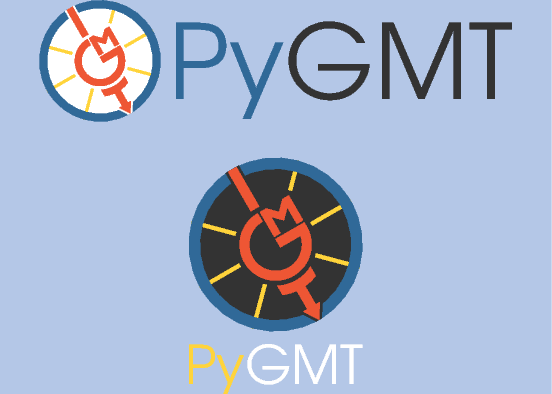
Via the wordamrk parameter the text “PyGMT” can be added on the right side or at
the bottom of the visual. Use the width and height parameters to adjust the
size of the logo.
fig = pygmt.Figure()
fig.basemap(region=[-1, 1] * 2, projection="X7c/5c", frame=Frame(fill="180/199/231"))

fig.pygmtlogo(wordmark="horizontal", position="TC", width="6c")

fig.pygmtlogo(theme="dark", wordmark="vertical", position="BC", height="3c")

fig.show()
Total running time of the script: (0 minutes 1.003 seconds)